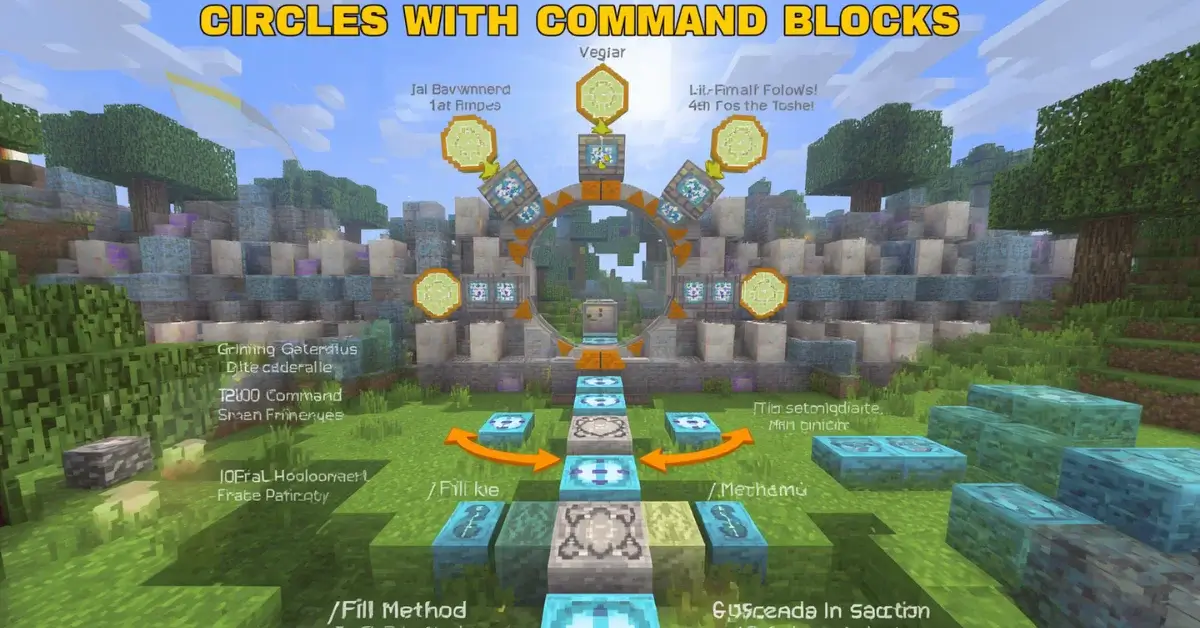
Circles with Command Blocks in Minecraft — The /fill Method Explained
Command blocks can place a circle far faster than hand-placing every block, but the vanilla /fill command doesn’t do it automatically. Here’s exactly how builders make it work, shown row by row, and where a mod takes over from there.
The short answer: vanilla Minecraft doesn’t have a native “circle” command. The /fill command only fills a straight rectangular box between two sets of coordinates — it has no concept of a curve. Builders who place circles with command blocks are either running a short sequence of small rectangular fills that approximate the curve row by row, or using a mod like WorldEdit that adds true circle and sphere commands on top of vanilla Minecraft. Understanding both options — and seeing exactly what each one is doing — makes a real difference on large or repeated builds.
Why /fill alone can’t draw a circle
/fill takes two corner coordinates and fills everything between them — always a straight-edged box. A circle’s outline changes width from row to row, which means reproducing it with pure /fill commands means issuing one small fill per row of the circle, each one sized to match that row’s width. It works, but it’s tedious to do by hand for anything beyond a small circle, and it requires knowing the exact width of every single row in advance.
Seeing it visually: a 7-block circle, row by row
Here’s exactly what a small circle looks like broken into the individual rows a command chain would need to reproduce — each row below is one separate /fill command, with the width of the green section telling you how wide that row’s fill needs to be.
Rows 1 and 7 (top and bottom) each need two short, separate fills — one for each side of the gap in the middle. Rows 2 and 6 need two single-block fills. Rows 3, 4, and 5 need two single-block fills at the far left and right edges. Reproducing this whole shape with vanilla /fill commands means roughly 10 separate commands for a circle this small — which is exactly the kind of repetitive setup that a dedicated shape command in a mod removes entirely.
The vanilla command syntax, row by row
This scales poorly for large circles or spheres — a 21-block circle needs closer to 20 separate row commands rather than 5 — which is exactly the gap that building mods were made to fill.
The mod approach: WorldEdit’s dedicated shape commands
WorldEdit adds commands that generate an entire circle, cylinder, or sphere in one action, without any row-by-row math. //cyl creates a cylinder (a filled or hollow circle extruded to a height), and //sphere creates a full sphere directly. Both take a radius as a parameter and handle all the internal rounding automatically — the same rounding a circle generator calculates, just applied instantly to the world instead of shown as a blueprint first.
For anyone building spheres, domes, or circles regularly — especially at large scale — this is dramatically faster than either hand-placement or manual /fill chains. The trade-off is that WorldEdit is a mod, which means it needs to be installed and typically requires operator or creative-mode permissions, so it isn’t available on every server or in vanilla survival without extra setup.
Confirm your diameter, radius, and block count before running any command — then build it by hand or translate it straight into a fill or sphere command.
Open the Circle GeneratorSide-by-side: vanilla /fill vs a WorldEdit command
Vanilla /fill chain
- No mod installation needed
- Works on any survival server
- Requires calculating every row’s width first
- Command count grows fast with diameter
WorldEdit //cyl or //sphere
- One command for the entire shape
- Handles rounding automatically
- Requires the mod and usually operator permission
- Not available on most vanilla survival servers
Do you still need to know the shape’s dimensions?
Yes, in both cases. A command only executes the numbers you give it — it doesn’t decide for you whether an 11 or 15-block circle fits your build, or whether an odd or even diameter suits your project’s center point. Planning the size and shape ahead of time with a blueprint tool, then feeding the confirmed numbers into a command, is the same workflow whether you’re placing blocks by hand or letting a command place them for you.
When manual placement is still the better choice
- Small circles (under 15 blocks): the setup time for commands often exceeds the time it takes to just place the blocks from a blueprint.
- Survival mode without command block access: most survival worlds don’t hand out unrestricted command blocks, so manual placement or WorldEdit (where permitted) are the realistic options.
- One-off decorative builds: a single well or garden circle rarely justifies writing and testing a command chain.
When commands are clearly worth it
- Large spheres and domes: a 41-block sphere by hand takes hours;
//spheretakes one command. - Repeated shapes: building the same tower design multiple times across a base benefits enormously from a saved command or WorldEdit schematic.
- Creative-mode showcase builds: where speed matters more than the hands-on building experience itself.
Filled vs. hollow with command-based building
Both vanilla /fill chains and WorldEdit’s shape commands support filled or hollow output, but the underlying cost difference between the two modes doesn’t change just because a command is placing the blocks instead of a hand. A filled sphere command still needs to place every interior block, and a server or world simply generating those blocks faster than a player could by hand doesn’t reduce the total material or the load placed on the world — for very large filled shapes, this can matter for server performance even when placement itself feels instantaneous.
Command blocks in redstone-automated builds
Beyond one-time construction, command blocks wired into a redstone circuit can trigger a fill or shape command repeatedly or conditionally — useful for builds that regenerate an arena floor between rounds, reset a decorative feature, or clear a temporary structure on a timer. The circle or sphere shape itself doesn’t change in this context; what changes is that the same command executes automatically instead of being typed once, which is a separate technique layered on top of the shape-placement method rather than a different way of calculating the shape.
The takeaway
Command blocks don’t replace the planning stage — they replace the placing stage. Whether the final shape gets built block by block, through a chain of /fill commands, or instantly via a WorldEdit brush, the diameter, radius, and odd-or-even sizing decisions happen first, using the exact same logic either way.
Common mistakes when building circles with commands
- Miscounting row widths. A single wrong coordinate in a manual /fill chain throws off one row’s width, which reads as a small but noticeable dent in the finished circle — worth double-checking each row against a blueprint before running the command.
- Forgetting relative coordinates reset per command. The tilde (
~) shorthand used in the examples above is relative to the command block’s own position, not the previous command’s — copying a row’s command to a new command block without adjusting the offsets is a common source of misplaced fills. - Assuming //sphere and //cyl round the same way a browser generator does. Different tools can round a circle’s edge slightly differently in ambiguous cases, so a WorldEdit sphere and a generator’s blueprint for the same diameter may differ by a block or two at the boundary — close enough that it rarely matters visually, but worth knowing about if you’re cross-checking material counts exactly.
- Running large filled commands without checking material availability first. A single //sphere command can consume the specified block type from a nearby inventory or require it be available depending on server configuration — confirming the block count before running the command avoids an incomplete fill partway through.
Scaling the row-by-row method to a sphere
The same manual /fill logic extends into three dimensions for a sphere, just with one additional variable: each horizontal layer is its own circle, and each of those circles needs its own row-by-row fill chain, repeated for every layer from the bottom of the sphere to the top. This is precisely why manual command chains become impractical past small sphere sizes — a modest 15-block sphere needs roughly 15 separate circle layers, each requiring its own set of row commands, which quickly turns into dozens of individual /fill commands for a single shape. A single //sphere command replaces that entire chain, which is the clearest illustration of why WorldEdit-style tools exist specifically for 3D shapes rather than just flat circles.
Command differences between Java and Bedrock
The core /fill command exists on both Java and Bedrock editions with largely similar syntax, but the mod ecosystem differs significantly between them. WorldEdit is a Java-focused mod with the most mature and widely supported command set; Bedrock’s equivalent options are more limited and typically depend on the specific server software or add-on being used rather than a single standard tool. For Bedrock builders specifically, manual /fill chains or hand-placement from a blueprint tend to be the more universally available approach, since a Bedrock world’s available commands can vary meaningfully depending on how it’s hosted.
Testing a command chain safely
Before running a full command chain on a live survival world, testing it in a disposable creative-mode world or a flat superflat test area catches coordinate mistakes without risking materials or damaging an existing build. This is especially worth doing for a first attempt at a new diameter or shape, since a single misplaced offset in an early command can cascade through the rest of the chain if later commands are calculated relative to where the earlier ones were supposed to land rather than where they actually did.
Keeping a reusable command reference
For builders who use the same tower, dome, or arena design repeatedly across a world or server, saving the working command chain (or a WorldEdit schematic) once it’s confirmed correct saves having to recalculate row widths or re-verify a shape’s command syntax every time that same design gets reused. This is functionally the same idea as reusing a blueprint from a generator — the shape’s planning work only needs to happen once, and the command or schematic becomes the reusable reference for every future build using that same size, whether that next build happens the same afternoon or months later on a completely different project, on a different world, or even on a different server entirely.
Frequently asked questions
Can the /fill command place a circle in Minecraft? +
Not directly. /fill only places rectangular regions. A circle needs either a series of small /fill commands built from pre-calculated coordinates, or a mod that adds circle and sphere brushes.
Do I need WorldEdit to build circles with commands? +
No, but it’s much faster. Vanilla /fill can approximate a circle through many small fills, while WorldEdit’s //cyl and //sphere generate the whole shape in one command.
Is command-block circle building faster than placing blocks by hand? +
For large or repeated shapes, yes, substantially. For a single small circle, manual placement from a blueprint is often just as fast once command setup time is factored in.